Best apps for scanning passages from paper books
Turn only the words you need into editable text.
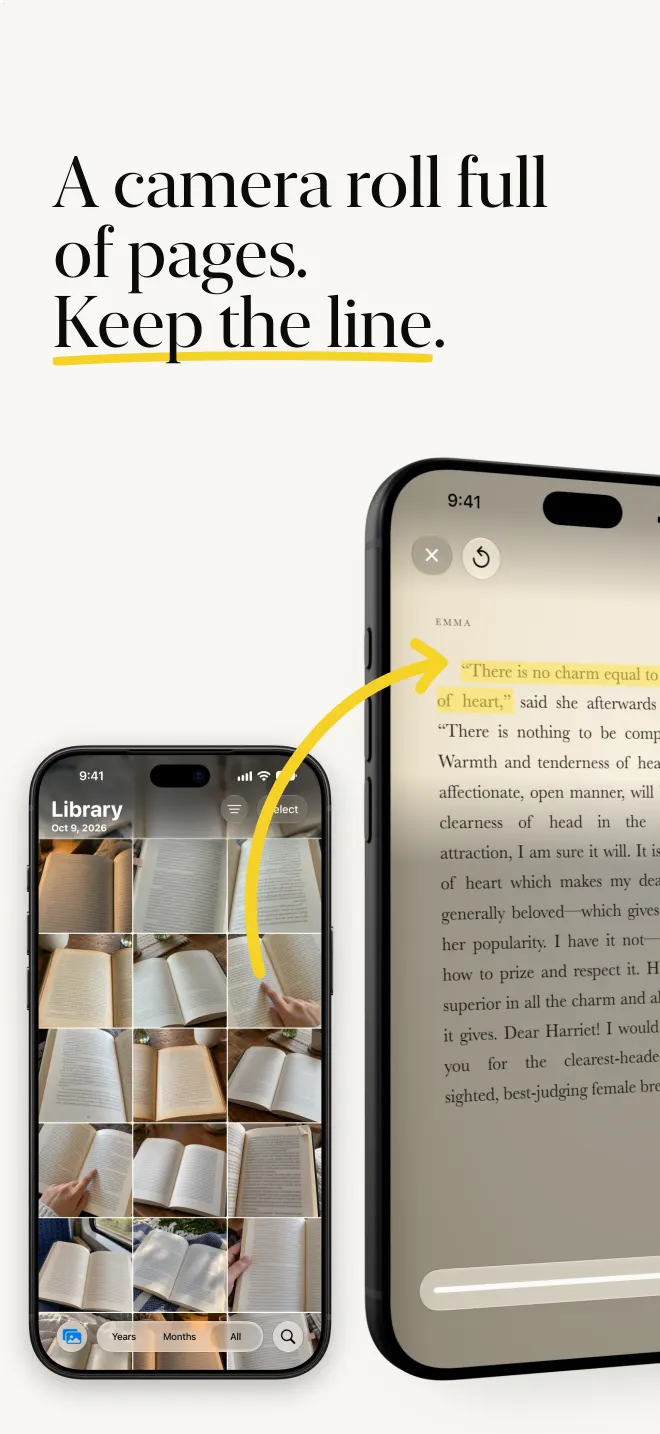
For a single paper passage, look for editable text, not just a photo. Refrain lets you underline the words on camera and proofread them. Choose Underline or Highlighted if you need a page-number field, or Apple Notes if the passage belongs inside a note you already use.
A photo is a good record of what a page looks like. It isn't necessarily a good record of what it says. If you want to quote or search for a few words later, the output you need is text. If you need to show a diagram, the exact typography or marginalia, the image may matter more than the transcription.
We make Refrain. The comparisons use the other publishers’ documentation, not independent hands-on tests.
Options and what each does well
| Option | Use it for | Tradeoff to consider |
|---|---|---|
| Refrain | A quick selection from a printed page | Not a multi-page PDF scanner |
| Underline: Book Quotes & Notes | A passage with its book and page | Printed-text recognition doesn't cover handwriting; ISBN lookup requires a connection |
| Book Tracker: Highlighted | Multiple highlights and chapter order | Kindle and CSV import and whole-library export require Highlighted+ |
| Apple Notes | Text in a note or a scan of the original page | Attribution and page references are your own note-taking convention |
Text selection versus a document scan
OCR means optical character recognition: it turns the image of a word into editable characters. It doesn't know which sentence you intended to keep, whether a dash was important, or whether a printed word is a person's name. Start by deciding what must survive: the exact wording, the appearance of the page, or both.
Choose text for a phrase you will search, annotate or quote. Choose a page image when the layout is itself part of the evidence. If both matter, keep the source image with your research material and a separately checked transcription. In Apple Notes, the two scan modes are a useful reminder that these are different outcomes.
Capture, underline and proofread a line
Flatten the page gently; if the binding resists, move the phone rather than pressing the cover down. Keep fingers and shadows away from the line. Angle a desk lamp to reduce glare, not the phone so far that the line is badly skewed. If there's a facing page or a sidebar, frame the relevant column and select just the fragment.
Read the output against the paper before you turn the page. Check names, accents, dialogue marks, and words broken between lines. A missing ‘not’ changes more than a missing comma. Don't silently ‘fix’ an unusual word that belongs to the author. If a reference matters, copy the page number and edition into your notes while you can still see them.
Choose by page numbers, layout or local OCR
Try a real page rather than a clean sample: a tight paperback gutter, two columns, small print, or the vocabulary you read in another language. Compare how much correction is needed. If printing makes the fragment hard to read, typing a short passage may be faster than taking three photos.
Refrain and Underline document on-device recognition. To find out whether a particular task needs a connection, test it in airplane mode before relying on it away from home. Check capture and retrieval separately; the ability to scan doesn't tell you whether a book lookup or sync will work.
Scan a passage you actually need
- Find a sentence with a name or a word split across lines, and frame just that column.
- Select the sentence, compare the detected text with the page and fix any genuine recognition errors.
- Save the title and author, and put the page number in a note before closing the book. Then find the sentence by a distinctive word.
Keep the text you need, not a stack of page photos
Use Refrain when a selected line is the end product. Use Underline or Highlighted when the book and its pagination are the index. Use Apple Notes when the text belongs inside a larger note or when you need a PDF instead.
Frequently asked questions
Can I scan two pages at once?
For a dependable quotation, work a passage at a time. A whole-spread image can mix page text, running headings and marginal notes. If you need the spread itself, keep an image or document scan.
Does camera OCR work without data in Refrain?
Its camera recognition runs on the device. That doesn't mean every app function, such as sync or speech, is available offline.
Is a page number enough to find a quote later?
Only if you know the edition. For a collection that spans publishers or translations, note the edition or ISBN as well as the page when exact retrieval matters.
Sources (7)
- Refrain (accessed )
- Underline: Book Quotes & Notes (accessed )
- Book Tracker: Highlighted (accessed )
- Highlighted developer overview (accessed )
- Apple Notes (accessed )
- Apple Notes text scanning (accessed )
- Apple Notes tags (accessed )
Related guides
- Best iPhone apps for saving book quotes
Compare four iPhone apps for saving book quotes, from camera capture and personal thoughts to page numbers and Kindle highlight imports.